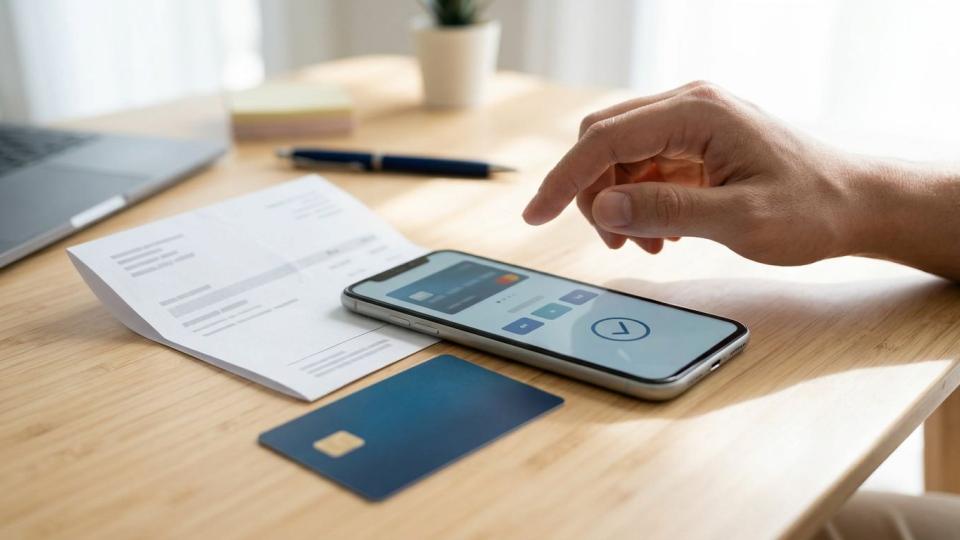
You search for "pay my power bill," click the first result, see your utility's name and logo and pay. Done, right?
Not always. That top result may be a paid ad for a completely different company. Instead of reaching your biller, your money can go to a middleman that tacks on extra fees, signs you up for a subscription or, in the worst cases, never passes your payment along at all. Meanwhile, your real bill sits unpaid.
With winter heating bills and holiday spending on the way, it's a good time to make sure every payment lands where it should.
Stay vigilant: check the payment destination before entering account details or payment information to avoid a bill pay scam. A recent Federal Trade Commission warning explains how misleading ads divert consumers; protecting yourself starts with knowing who will receive your money and what to do if you've already paid.
Key Takeaways
- Reach your biller through its known official website or the payment instructions on your statement, rather than a paid search ad.
- A familiar company name or logo doesn't prove that a payment page belongs to your biller.
- Third-party payment services can add fees or subscriptions, and their receipts don't establish that your biller received payment.
- If you suspect deception, contact your biller and financial institution promptly. Preserve payment records and report the problem to the FTC.
How Online Bill Pay Scams Can Divert Your Payment
The Federal Trade Commission's consumer alert on bill pay impersonators warns that "dishonest companies sometimes use paid search ads to trick you into paying them instead of the company or agency you're looking for."
Misleading placements in sponsored search results can show your biller's name but lead to a separate payment business in an unauthorized impersonation scam. Because the page looks familiar, you might enter sensitive information without realizing you're paying an intermediary.
According to the FTC's Doxo settlement announcement, the company agreed to a proposed $2.1 million settlement over allegations involving misleading advertising, added fees and recurring subscriptions. The FTC alleged that Doxo presented itself as an official payment channel for companies including Labcorp and AT&T. These alleged tactics resemble a medical bill scam or a utility company scam when a third party poses as a provider's official payment channel.
Those allegations concern Doxo, not every third-party payment service. Your practical concern is whether you knowingly chose an intermediary and understood its terms.
Extra fees or subscription charges increase your costs. This style of payment fraud can leave your actual overdue balance unpaid. That can lead to late penalties, collection notices or service interruption.
Check the Payment Site Before You Enter Your Details
Start With Your Statement
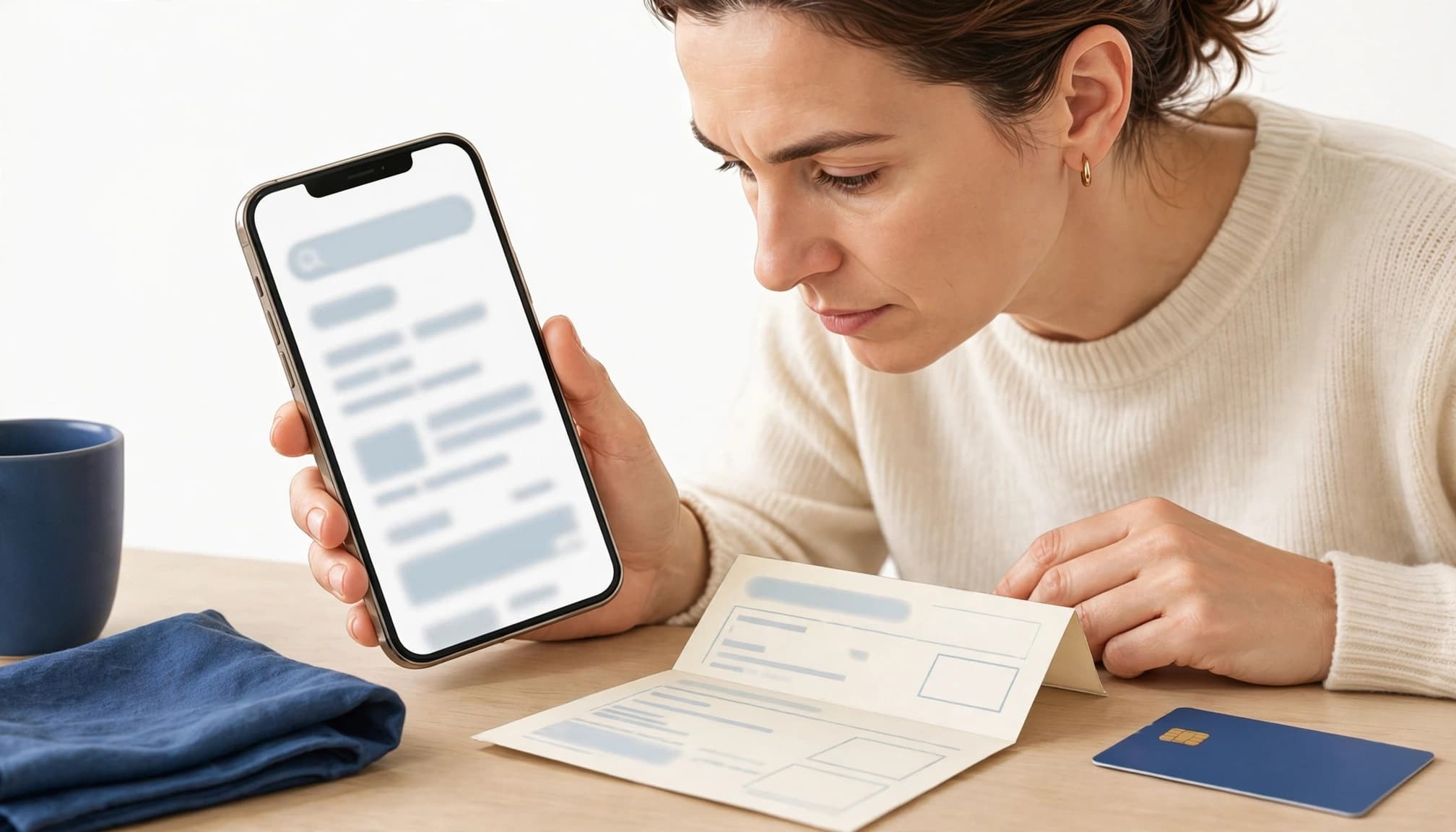
Whether you're managing home expenses or handling accounts payable, use the website or payment instructions printed on your bill. Verify the domain before entering debit details or linking a bank account.
If you know the company's official address, type it directly into your browser and open its billing section. On a phone, tap the address bar to reveal the full address. On a computer, inspect it before entering information.
A search result's headline can name your biller while the actual destination belongs to someone else. Scrolling past ads doesn't guarantee that every remaining result is legitimate. Your statement is a stronger starting point.
Identify Who Is Collecting the Money
Before submitting payment, compare the payee and amount with your statement to spot vendor impersonation and invoice fraud before paying a fake invoice. Read the total charge, delivery timing and any membership or recurring-payment terms.
Polished design, correct spelling and familiar logos don't establish authorization. Misleading billing pages can create an artificial sense of urgency to rush your approval.
Ask these questions: Who receives my money first? When will the biller receive it? Am I agreeing to future charges? If the answers aren't clear, call the biller's official number for verbal confirmation of the correct payment site. Then return to the payment instructions on your statement.
If You Already Paid Through a Bill Pay Impersonator
Respond promptly, but don't assume that a receipt means your bill is settled.
- Contact your biller directly. Use the number or website on your statement. Ask whether payment arrived, whether an overdue balance remains unpaid, and whether late fees, collection activity or service interruption are pending. Discuss how to address any unpaid balance without making an unnecessary duplicate payment. Watch for later messages offering an overpayment refund, which often starts a fake check scam.
- Call your bank or card issuer. Explain exactly what happened, including whether you approved the transaction but misunderstood the recipient. Report the incident as payment fraud, and ask about stopping or disputing the payment. Ask whether compromised payment details require a replacement card. Available options depend on the payment method and timing. Legitimate providers will never demand that you wire money or settle a debt with a retail gift card.
- Preserve your evidence. Save receipts, screenshots, the destination address, ad details and messages. Record payment dates, amounts and confirmation numbers, along with the names of representatives you contact.
- Report suspected deception. Use the FTC's ReportFraud portal to report fraud. The Consumer Financial Protection Bureau recommends FTC reporting in its guidance for scam victims.
Frequently Asked Questions
Does a Padlock Icon Prove a Payment Page Is Legitimate?
No. HTTPS encrypts your connection, but it doesn't verify who operates the website or whether the business is authorized by your biller. Malicious sites also use encryption and may create a false sense of urgency to stop you from checking the website address.
Can a Legitimate Biller Charge a Convenience Fee?
Yes, a fee alone doesn't prove fraud. Check the disclosed charge and watch for an unauthorized intermediary's demand or an unverified fake invoice. Authentic billers don't request payment by gift card.
Is My Bank's Bill Pay Feature the Same as a Search-Ad Service?
Your bank's authenticated bill pay feature is a different starting point from an unfamiliar search advertisement. Banks may send some payments by check, so account for the delivery schedule shown when you arrange payment.
What If I Entered a Password but Didn't Pay?
Submitting login details on a suspicious portal may be a phishing attack. Change that password through the real account website, update it anywhere else you reused it, and enable multifactor authentication where available.
Will Filing an FTC Report Automatically Get My Money Back?
An FTC report doesn't automatically resolve your dispute or produce a refund. Continue working with your biller and financial institution, and keep evidence that supports your complaint. Be wary of recovery offers that demand an upfront fee or send a fake check.
Keep Control of Your Payment Destination
Before you pay, reach your biller through its official website or the contact details on your statement. If a billing portal or payment request looks irregular, get verbal confirmation from the provider using the number on your statement. This reduces your exposure to misleading search ads.
If you suspect a deceptive payment page, contact your biller and financial institution promptly. Keep your records and report the conduct to the FTC so your next steps address both the questionable charge and the unpaid bill.