
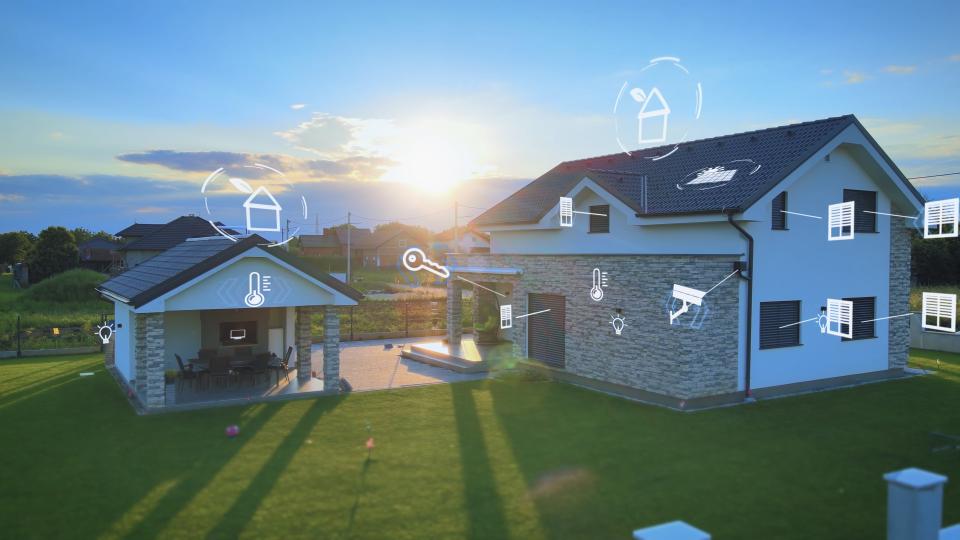
Excerpt: Smart home technology can add comfort and control, but unclear internet contracts, weak Wi-Fi coverage, surprise subscriptions, and short-lived devices can turn convenience into an expensive headache. A better system starts with a clear understanding of what the home needs and what each company is promising.
A fast internet plan won't fix a weak home network, and a house full of smart devices won't make life easier if they don't work together. The trouble starts when companies sell speed, features, or "unlimited" service without explaining the limits.
I've seen how quickly a simple technology purchase can turn into a contract dispute. The first rule is simple: know what is being sold before anyone installs it.
The latest episode of the Trust Issues Podcast dives into smart home technology
Internet Service Can Be Sold One Way and Delivered Another

The word "unlimited" sounds plain enough. Yet it can mean very different things depending on the fine print.
In one case we investigated, a homeowner moving to a rural area needed dependable service for streaming, television, and his daughter's gaming. A satellite internet representative quoted a plan with a stated speed and described the data as unlimited. Four days after installation, the household's high-speed service slowed down.
The provider explained that the plan had a 40-gigabyte usage threshold. Once the customer passed that amount, the provider would "prioritize" traffic. In ordinary language, that can mean the customer's connection slows when the network is busy.
"Usage threshold" can be code for limited high-speed service. Read the definition, not the headline.
The homeowner said he had never received a contract explaining the limit. During installation, he was handed a phone with a blank signature line and told to sign so the installer could be paid. That signature did not come with a meaningful opportunity to review the plan's terms.
Our team later called the provider and heard a similar sales pitch: unlimited data, a quoted monthly price, and no clear explanation of the high-speed limit. When a producer arranged an installation under cover, the technician's work order listed a lower speed tier than the speed quoted on the phone.
The technician was not the central problem. He was a subcontractor assigned to install equipment based on the work order in front of him. The breakdown occurred earlier, during the sales process, when marketing claims and actual service terms did not line up.
What to Confirm Before Scheduling an Installation
A phone conversation is not enough. Ask for the plan name, monthly price, equipment costs, activation fees, contract length, cancellation terms, and speed details in writing before the technician arrives.
Pay close attention to these warning signs:
- A representative calls a plan "unlimited" but cannot explain whether high-speed data has a cap or threshold.
- The company directs the customer to sign electronically without providing the full service agreement first.
- A technician's work order lists a speed tier or plan that differs from the sales pitch.
- The contract uses unclear phrases such as "prioritization," "network management," or "reduced speeds during congestion."
- The advertised price excludes equipment rental, taxes, installation charges, or recurring service fees.
When the investigation presented the recorded sales claims to the provider, the company ultimately released the homeowner from his contract. Most people do not have recordings, an investigative team, or time to fight a complicated billing dispute. That is why the paperwork matters before the equipment goes on the house.
Wi-Fi Speed Is Only Part of Home Network Performance
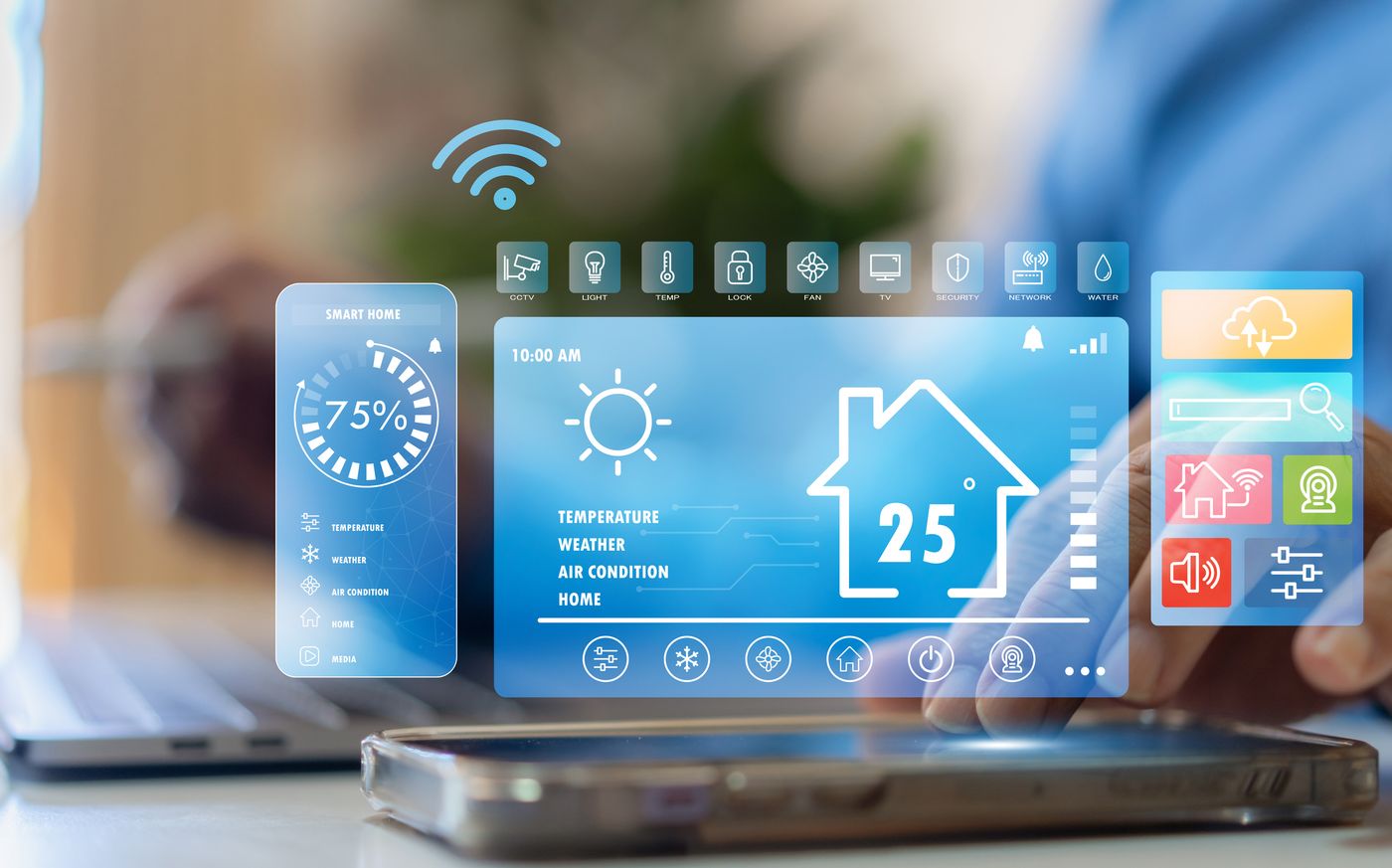
Internet speed gets the headlines, but reliability and coverage decide whether the network works in daily life. A household can pay for a gigabit plan and still struggle with frozen video calls, dead zones upstairs, unreliable cameras, or a television that buffers at night.
A network has two separate parts. The internet provider brings a connection to the home. Then the home's router, access points, wiring, walls, floors, and device load determine how well that connection reaches each room.
Before selecting a provider, ask neighbors on the same street about their experience. Service quality can vary within a single community because the local infrastructure, provider equipment, and building layout differ from one block to the next. A provider with a strong reputation across town may have weak performance in a particular neighborhood.
Match Network Equipment to the Size of the Property
A standard provider-supplied router may work for a small home with modest device use. It often struggles once the signal must travel through several walls, floors, masonry, metal framing, or a larger footprint.
Eric Rasmussen of TrustDALE Certified Partner Intuitive AV offered a practical guideline: many homes need roughly one Wi-Fi access point for every 1,500 to 2,000 square feet. The exact number depends on the building's construction and the household's demands.
| Home network situation | A practical starting point |
|---|---|
| Small home or apartment | A quality router placed in an open, central location may be enough |
| Larger home with a few weak rooms | A mesh Wi-Fi system may extend coverage across multiple areas |
| Large home or demanding network use | Hardwired access points provide stronger, more dependable coverage |
| Multi-story home with upstairs dead zones | Add access points closer to the problem area, often one or two walls or floors away |
Mesh systems can make sense for many households, particularly when running new wire isn't practical. However, a hardwired access point usually gives a stronger result in larger homes or places where people work remotely, stream heavily, use many cameras, or operate dozens of connected devices.
The radio frequencies used for faster Wi-Fi do not travel through walls as well as slower frequencies. That is why a router that appears strong in the living room may fail in an upstairs office or a back bedroom.
Start Home Automation With Problems Worth Solving
Home automation does not require an expensive control room or a complete renovation. Many households begin with a smart thermostat, a video doorbell, exterior lighting controls, or a few smart switches.
Those products can solve real problems. A thermostat can help manage heating and cooling schedules. Smart lighting can make entryways safer. A camera can provide a view of a package delivery or a side yard. The trouble begins when technology is purchased because it is new rather than because it meets a clear need.
About 70% of households have at least one smart device, often a video doorbell or camera. Many homes have far more, like a home theater. A collection of 15 or 20 connected products can strain an outdated network, especially when cameras upload video, televisions stream content, and family members work or study online at the same time.
The Consumer Reports guide to smart home devices is a useful reminder that smart locks, cameras, lights, speakers, and thermostats are separate product categories with different functions, costs, and privacy considerations. Every homeowner does not necessarily need every category.
Lighting Has Moved Beyond Basic On and Off Controls
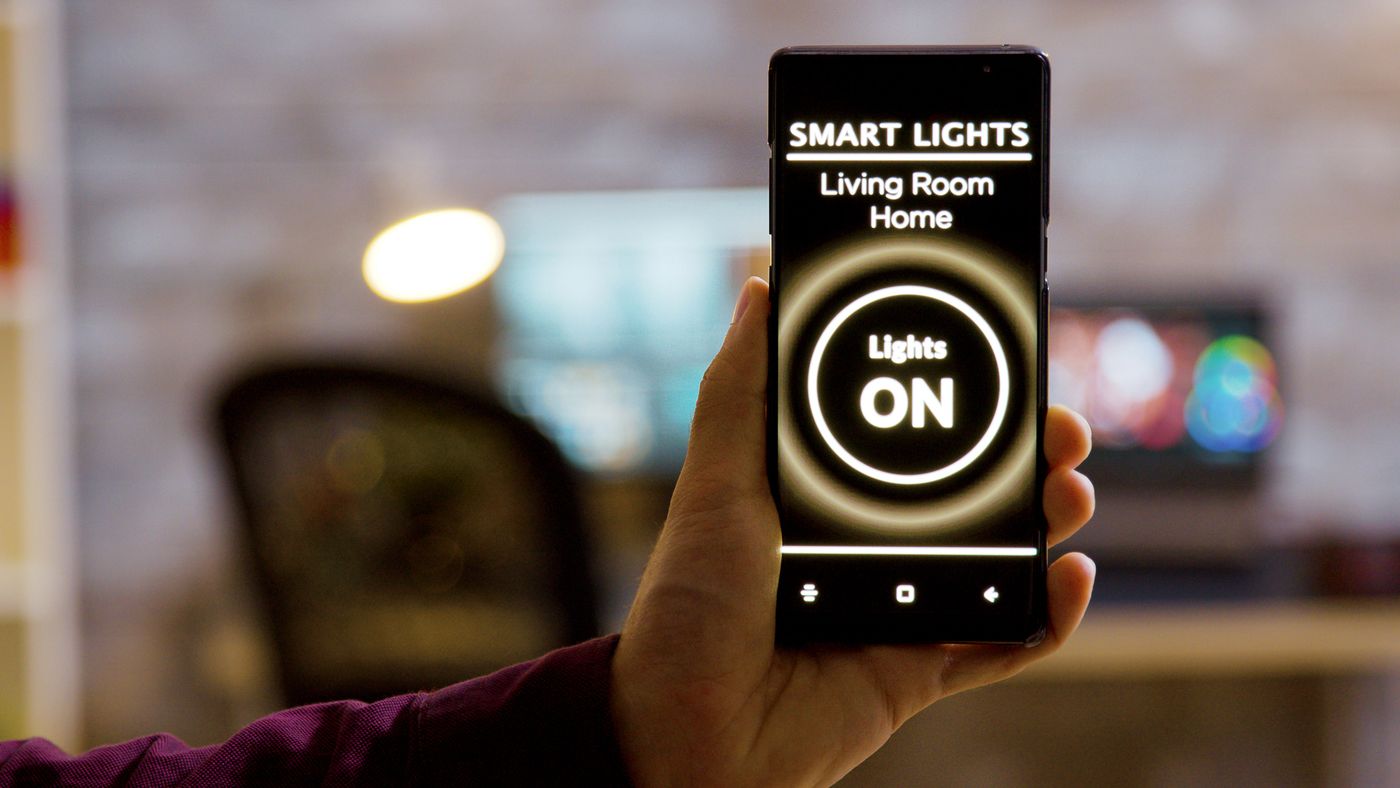
One of the more interesting new developments is circadian rhythm lighting. These systems adjust the color temperature of indoor lights over the course of the day to resemble the natural progression of sunlight.
Morning light can appear warmer and gradually brighten. Midday light can become cooler and whiter. In the evening, the system shifts toward warmer amber tones that feel less harsh before bedtime.
Rasmussen explained that incandescent bulbs naturally behaved in a similar way when dimmed. As the bulb's output dropped, the light became warmer. Modern LED products can reproduce that effect with much more control.
Circadian lighting may appeal to homeowners who spend long hours indoors or who want lighting that changes without constant adjustments. Still, it should be considered a lifestyle choice, not a requirement for every home. Basic, well-placed lighting often provides the greater value when a property has poor exterior illumination or poorly lit interior areas.
Build for Future Upgrades Before Walls Close
Technology changes on a much shorter timeline than a home. A television may remain useful for many years, while networking equipment often needs more frequent updates. Rasmussen described a general technology cycle of roughly three to five years for fast-changing products such as Wi-Fi equipment.
That does not mean every device requires replacement on schedule. A 2007 television that still meets a household's needs can remain a good television. However, a network that cannot support remote work, streaming, security cameras, tablets, and newer wireless standards may need attention sooner.
For homeowners building or renovating, the lasting investment is often not the gadget. It is the infrastructure behind the walls.
Wired Infrastructure Gives a Home More Options
A thoughtful plan can include wiring routes for access points, televisions, speakers, security equipment, and future devices, even if the homeowner installs only a portion of the equipment at first. This approach allows future upgrades without opening finished walls or relying on weak wireless connections.
The same principle applies to commercial property. Offices, retail spaces, restaurants, and managed buildings may need secure Wi-Fi, cameras, access control, audio, displays, and dependable connections for staff and customers. Planning those systems before construction ends can reduce costly rework.
For a new build, bring a qualified technology integrator into the conversation early, alongside the builder and other trades. The more decisions happen after drywall is installed, the fewer options remain and the higher the cost can become.
Cheap Smart Devices Can Carry a Privacy and Support Cost
Many do-it-yourself smart devices appear inexpensive because the manufacturer has another source of value: consumer data. Connected cameras, voice assistants, thermostats, and apps may collect information about household routines, locations, usage patterns, and preferences.
The legal and privacy issues around connected-home products are substantial enough that the National Association of Home Builders outlines smart-home privacy and security concerns for the housing industry. A device that monitors a home should never be treated as a casual purchase.
Rasmussen made the point bluntly: with some bargain-priced technology, "you are the product." The company may view the hardware as a way to collect valuable information or to keep the customer inside a subscription system.
Older Devices May Lose Support Before They Wear Out
Another problem is product "sunsetting." A company may stop supporting an older thermostat, camera, hub, or app even when the hardware still works. The consumer then faces a replacement purchase because the company's software has moved on.
This happens with phones, smart displays, routers, and home automation gear. A device can be physically sound but unable to receive security updates or connect to newer systems.
Before buying a connected product, review these issues:
- Find out whether the product requires a monthly subscription to keep its core features.
- Ask how long the company supports security updates and software compatibility.
- Check whether the product can work with other systems or only within one brand's app.
- Read the privacy policy and identify what information the company collects.
- Confirm what happens if internet service fails or the manufacturer discontinues cloud support.
Professional-grade systems often cost more upfront because they are built around equipment support, service, and long-term compatibility. That does not make every professional product right for every household. It does mean the buyer should compare the total cost, privacy terms, warranty support, and expected life of the system.
A Local Installer Can Change the Warranty Experience
Buying equipment online can be convenient, but the lowest purchase price is not always the lowest total cost. A local installer can assess the property, select equipment that fits the network, install it correctly, and provide a point of contact when something fails.
Rasmussen gave the example of a television purchased through a professional dealer. If the TV develops a warranty-covered defect, the installer may coordinate directly with the manufacturer and replace the unit. A consumer who buys through a large retailer may need to arrange shipment, wait for inspection, and manage the warranty claim alone.
That level of support matters most when a system includes several connected components. A camera, door lock, lighting platform, Wi-Fi network, speakers, and mobile app can all work independently but fail to function well as a group.
Consumers looking for qualified help can use Find Vetted Home Service Providers to locate companies by service and location. The right company should discuss the property, the budget, existing equipment, and the family's actual needs before proposing a system.
Questions to Ask a Home Technology Company
A competent installer should welcome questions. Home automation work can involve low-voltage wiring, network security, mounting equipment, electrical coordination, and integration with other systems. The installer needs the right qualifications for the work being performed.
Before signing, ask whether the company carries appropriate insurance and whether it has any required licensing for low-voltage work in the area. Request a written scope of work that identifies the equipment, labor, service plan, warranty, and recurring fees.
The conversation should also cover ownership. Ask who controls the logins, app accounts, camera footage, network settings, and administrator privileges. A homeowner or business owner should not lose access to a system because a contractor created an account that only the contractor controls.
The 2024 smart home adoption survey also points to the mix of convenience, concerns, and return on investment that often shapes these purchases. The technology is only worthwhile when the features align with the property and the people using it.
A Practical Set of Rules for Smart Home Spending
Homeowners and property managers do not need to buy every new device to have a useful connected home. A little restraint often produces the better system.
Start with an audit. List the problems the technology is meant to solve, such as Wi-Fi dead zones, an unreliable thermostat schedule, poor exterior lighting, or the need to monitor a vacant commercial property. Then identify which features require a subscription, which need professional installation, and which can wait.
Choose products that can grow with the property. A reliable network, strong wiring plan, and compatible equipment usually matter more than a long list of apps.
Do not let a salesperson pressure the household into replacing everything at once. A phased plan can address the most pressing needs now while leaving room for later upgrades. Finally, calculate the monthly cost before agreeing to any contract. Monitoring, cloud storage, equipment rental, premium app features, and service plans can turn an affordable device into a long-term expense.
The Real Measure of a Smart Home
A smart home should reduce friction, not add another layer of confusion. The strongest systems begin with reliable internet service, adequate Wi-Fi coverage, equipment that solves a real problem, and contracts that plainly state the cost and limits.
Technology will keep changing. A homeowner's best protection is not chasing every new device. It is making informed choices before a signature, installation, or subscription puts a costly system in place. And for an even greater level of protection, choose a TrustDALE Certified Partner like Intuitive AV to install smart home features. Then your purchase is backed by TrustDALE's free to you $10,000 Make It Right Guarantee!