
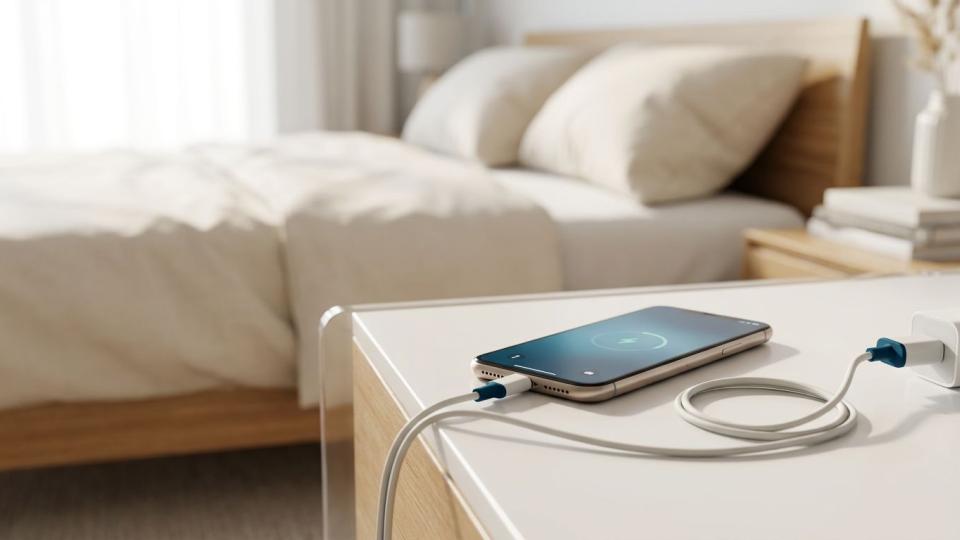
Picture this: it's late, your phone is at 12%, and you plug it in on the bed with the cable tucked under your pillow. Totally normal, right? Most of us do it without a second thought.
But that pillow can trap heat around the battery. Add a damaged battery or a cheap charger that isn't made for your device, and you've got a real fire risk sitting inches from your head.
In other words, yes, phone chargers and lithium-ion batteries can cause fires if a battery is damaged, overheated or charged with incompatible equipment.
The good news? A few simple habits can greatly reduce the risk. Here's how to charge your phone, laptop, power tools and e-bike more safely, spot the warning signs of a failing battery, and know exactly what to do if something goes wrong. Fire Prevention Week is the perfect excuse to check your setup, so let's dig in.
Why Do Phone Chargers and Lithium-Ion Batteries Cause Fires?
Lithium-ion batteries are everywhere: phones, laptops, tablets, cordless tools, e-bikes and scooters. They're great at packing a lot of power into a small space, but that also means things can go wrong when they're mistreated.
The main culprits are:
- Physical damage from drops, crushing or water
- Extreme heat or cold
- Manufacturing defects
- The wrong charger, even one that plugs in just fine
The National Fire Protection Association (NFPA) keeps its advice simple: follow the manufacturer's instructions, and stop using any battery or charger that's damaged. The level of risk depends on the battery's size, its condition and how you charge it.
What about overloaded outlets? A single phone charger rarely overloads a circuit on its own. The bigger concern is when chargers share an outlet with high-power appliances like space heaters.
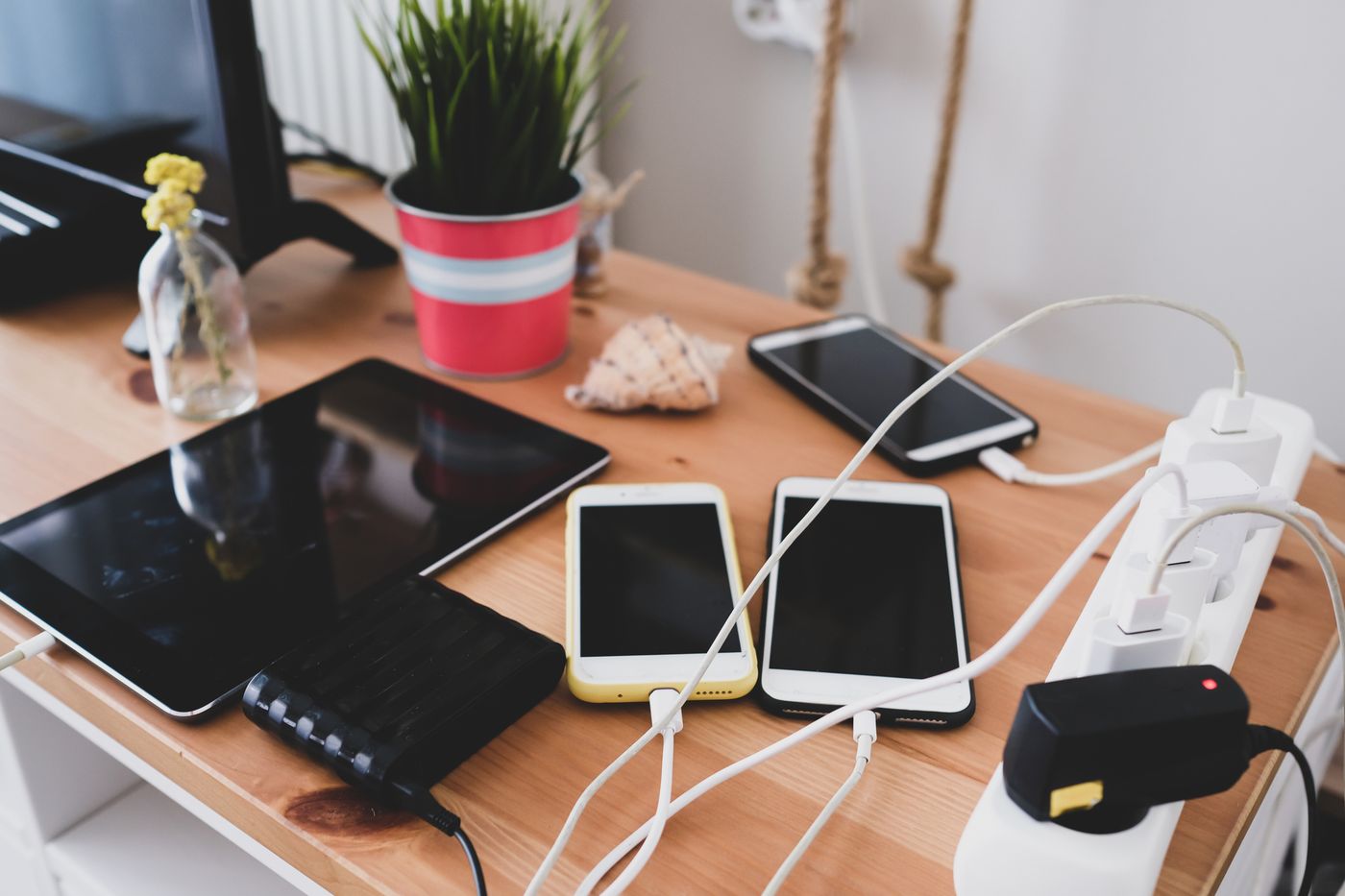
Habit #1: Charge on a Hard, Clear Surface (Not Your Bed)
Your bed, couch and pillows are cozy for you, and unfortunately for your battery too. Soft fabric holds heat around a charging device, and it's also fuel if something does ignite.
Instead, pick a spot that's:
- Hard and heat-resistant, like a counter or desk
- Clear of clutter, with room for air to flow
- Away from anything that burns, such as curtains, papers and bedding
- Away from heaters and direct sunlight
- Outside your bedroom if possible, and never blocking a doorway or escape route
One more tip: check the manufacturer's temperature limits. Even a phone on a clean counter can overheat if it's sitting in a sunbeam or next to a space heater.

Habit #2: Use the Right Charger, Not Just One That Fits
Here's a myth worth busting: if the plug fits, the charger works. Not necessarily. A matching connector doesn't mean the charger is compatible with your device, and that's especially true for power-tool batteries, e-bikes and scooters.
Your safest bet is the charger and cable that came with your device. If you need a replacement:
- Check the exact model. Confirm the charger supports your specific device or battery, not just the brand.
- For USB-C, check the specs. Look up the manufacturer's recommended charging standard and wattage.
- Look for a safety mark from a nationally recognized testing lab, such as UL, ETL or CSA. Then, when you can, look up the product model in the certifier's online directory to make sure the mark is real.
- Be wary of buzzwords. Labels like "universal" or "fast charging" don't mean the manufacturer approved it.
Keep in mind that certification and compatibility are two different things. A legit safety mark means the charger met safety standards. It doesn't mean it's right for your battery. And a surge protector won't make a damaged or mismatched charger safe either.
Habit #3: Know the Warning Signs of a Failing Battery
Just because your device turns on doesn't mean its battery is healthy. Before you plug in, give it a quick look (without opening it up). According to the NFPA, stop using or charging it right away if you notice any of these:
- The battery is swollen or the case is bulging
- There's a strange smell coming from the device
- It gets unusually hot
- You hear popping or crackling sounds
- The battery has changed color
Watch for sneaky signs of swelling, too. A phone screen that's lifting away from the frame or a laptop case that looks warped could mean the battery is pushing outward. Don't squeeze it back into place, and don't keep charging it to "see what happens."
If your device has been dropped in water or taken a hard hit, contact the manufacturer before charging it again.
Leave Battery Repairs to the Pros
Never puncture, open or try to fix a damaged battery yourself. The NFPA recommends qualified professional repairs, not DIY fixes.
If there's no emergency, reach out to the manufacturer or an authorized repair shop. Have your model number ready and describe what you're seeing. Before you pay for a replacement battery:
- Ask whether it's approved for your exact device
- Get the warranty terms in writing
That bargain battery built from unknown cells might save you a few bucks today, but it could leave you with the same safety problem and nobody to turn to.
Habit #4: Have a Plan If a Device Smokes or Catches Fire
If a battery starts smoking or catches fire, your only job is to get out. Here's what to do:
- Leave immediately and get everyone else out with you.
- Call 911 from a safe spot and tell the dispatcher a lithium-ion battery is involved.
- Stay out until firefighters say it's safe to go back in.
And here's what not to do:
- Don't carry a smoking device through your house
- Don't touch a burning battery or stick around to unplug it
- Don't stop to grab a fire extinguisher or try to fight the fire
- Don't breathe in the smoke
- Don't go back inside just because the flames are gone or the device looks cool
This is where your charging spot really matters. A battery fire next to your only exit can turn a safe escape route into a dangerous one. Make sure everyone in your home knows how to get out without walking past the charging area.
While you're at it, test your smoke alarms, practice your escape plan, and check your local fire department's emergency guidance. Running a business? Add charging areas to your employee safety plan so staff know where to exit and who calls 911.
Habit #5: Build a Simple Charging Routine
The easiest way to stay safe is to make good habits automatic. Set up one designated charging spot and make sure everyone in the house, including kids and guests, follows the same rules.
For phones, tablets and laptops:
- Charge on a hard surface away from heaters, so you'll notice unusual heat or damage
- Keep vents uncovered
- Don't stack devices on top of each other while they charge
For power tools, check the battery before you pop it on the dock. If you've been working it hard, follow the manufacturer's advice on letting it cool down before charging.
Got a drawer full of chargers that all look the same? Label each one with the device it belongs to, and keep manuals (or digital copies) handy so you're never guessing. In shared spaces, assign someone to check equipment and unplug devices once they're full.
Habit #6: Give E-Bikes and Scooters Extra Care
Bigger batteries mean bigger stakes. The U.S. Consumer Product Safety Commission (CPSC) says you should stay nearby while charging e-bikes and scooters, and never charge them while you're asleep or away from home.
A few more ground rules:
- Only use the supplied or manufacturer-recommended charger.
- Use approved replacement batteries only. "Compatible" on a marketplace listing isn't the same as approved by the manufacturer.
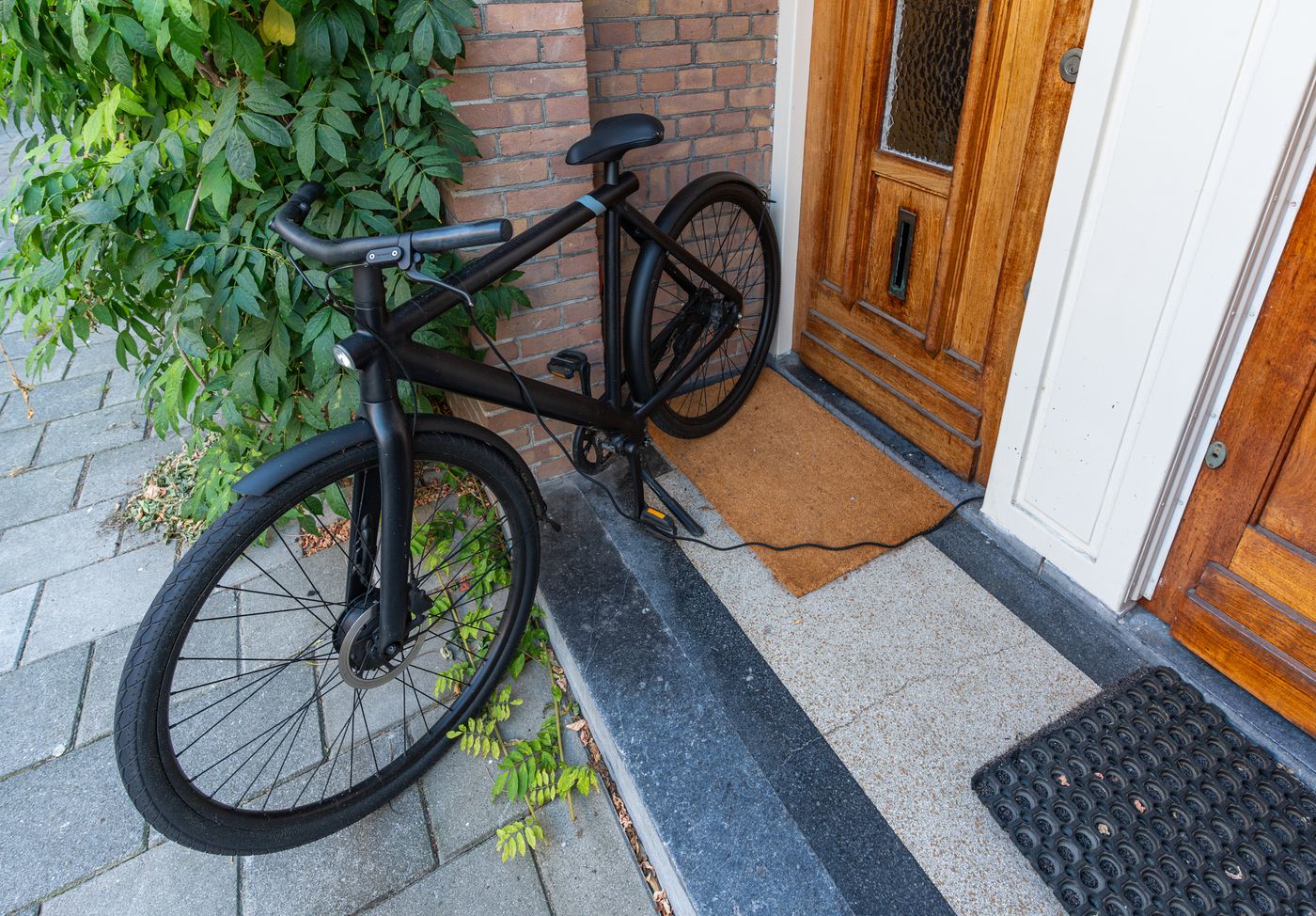
- Charge outdoors when you can. The NFPA says the safest spot is outside, away from buildings, enclosures, heaters and direct sunlight. Just follow the manufacturer's guidance on weather and temperature.
- Never charge near an exit or in a stairwell.
Habit #7: Unplug When It's Full
The NFPA recommends ending the charge once the battery is full. Unplug the device, or remove the battery if the manufacturer says that's okay.
Just don't pry an internal battery out of your phone or laptop. If getting to it means opening the device, follow the manufacturer's service instructions or let a qualified repair pro handle it.
A phone reminder or timer can help you remember to unplug. But a timer can't make a damaged battery or the wrong charger safe.
Habit #8: Never Toss Batteries in the Trash
The U.S. Environmental Protection Agency (EPA) says lithium-ion batteries, and devices that contain them, don't belong in your household trash or curbside recycling bin. Garbage trucks and sorting equipment can crush them and spark fires.
Instead, use the EPA's lithium-ion battery disposal guidance to find a drop-off spot through Call2Recycle, Earth911 or your local household hazardous-waste program.
Before you drop them off:
- Call ahead for damaged batteries. Swollen, damaged or recalled batteries often aren't accepted in retail collection boxes, and rules vary by location.
- Prep intact batteries. The EPA recommends covering the terminals with nonconductive tape and/or putting each battery in its own plastic bag.
- Check business rules. Disposing of workplace batteries? Review the EPA's battery recycling requirements, since commercial rules can differ.
Habit #9: Check for Recalls and Replace Worn-Out Gear
Recalls often apply to specific models or production batches, so a quick brand search isn't enough. Look up your product's name, model number and battery ID in the manufacturer's safety notices and the CPSC's Recalls & Product Safety Warnings database.
Here's why the details matter. The CPSC's VIVI e-bike battery recall covers certain e-bikes with 36-volt batteries and lists the specific battery identifiers affected. The company received 14 overheating reports, including three fires. The fix includes a replacement battery and charger, plus separate disposal instructions for the recalled battery. A product that just looks similar may not be included, so always match your exact model.
If your product is recalled, follow that notice exactly. Don't mail a damaged battery or drop it in a collection box unless you're told to.
Inspect Your Cables, Chargers and Outlets
While you're checking, give your gear a once-over:
- Cables: Replace any with exposed wires, loose connectors or damaged insulation.
- Chargers: Replace cracked ones. Tape isn't a fix.
- Outlets and wiring: Scorch marks, loose outlets, damaged wiring or breakers that keep tripping can signal an electrical problem.
An overloaded circuit is one possible cause of a tripping breaker, but there are others, and no blog post can diagnose it for you. Call a qualified electrician. Not sure what you can DIY and what needs a pro? TrustDALE's guide on when to hire an electrician breaks it down.
And when you're ready to call a pro, you can find TrustDALE Certified Electricians who have passed our rigorous 7 point inspection process and are backed by the TrustDALE $10,000 Make It Right Guarantee- at TrustDALE.com.
When buying replacements, choose a seller that clearly lists the manufacturer, exact model and return policy.
Safe Charging FAQs
Is it safe to charge my phone overnight?
It's best to avoid charging while you sleep, especially on a bed, couch or other soft surface. Charge on a hard, clear surface away from anything flammable and away from exits, and follow your device manufacturer's instructions.
Can I use any charger that fits my phone?
No. A connector that fits doesn't mean the charger is compatible with your device or battery. Stick with the charger that came with it, or one the manufacturer approves for your exact model.
What should I do if my battery is swollen or hot?
Stop using and charging the device right away. Don't press, puncture or open the battery. Contact the manufacturer or an authorized repair service for next steps. If it starts smoking or catches fire, get out and call 911 from a safe place.
Can I throw lithium-ion batteries in the trash or recycling bin?
No. Take them to a battery collection program, and call ahead if the battery is damaged or swollen. For intact batteries, follow EPA guidance: tape over the terminals and bag each battery separately.
Your Safe Charging Checklist
Your next charge is a chance to get it right. Before you plug in tonight:
- Use a manufacturer-approved charger
- Charge on a hard, clear surface away from anything flammable and away from exits
- Stop using any battery that's swollen, hot, smelly or discolored
- Unplug once it's full
- Recycle old batteries through a proper collection program
Remember: a plug that fits isn't a safety check, and a damaged battery needs a pro before it gets plugged in again. Check out the NFPA's Fire Prevention Week resources for more tips, and keep your device instructions somewhere handy.