

Heating season is here, holiday sales are right around the corner and smart thermostats, bulbs and plugs are about to be everywhere, each promising to slash your energy bill.
Some of them can. But buying connected gadgets doesn't automatically save you a dime, especially if you're already good about turning things off.
The short answer: smart home tech lowers your bill when it cuts real waste, like heating or cooling an empty house. The evidence is strongest for smart thermostats and for switching old bulbs to LEDs. Smart plugs and energy monitors can help too, but only if you act on what they show you. Other smart home upgrades like smart locks or home theaters have more to do with quality of life and convenience than energy savings.
Key takeaways
- Smart thermostats save about 8% on heating and cooling bills on average, according to the EPA. That's roughly $50 a year.
- LEDs save energy on their own. "Smart" features add savings only if they cut how long or how bright your lights run.
- Smart plugs and monitors find waste. They don't fix it until you change something.
- Do the payback math. Include the device, installation and any monthly fees.
- Start small. Solve one problem, measure the results, then decide whether to add more.
Which smart devices actually save money?
| Device | How it saves | Best for |
|---|---|---|
| Smart thermostat | Cuts heating and cooling when you're asleep or away | Homes without a consistent temperature schedule |
| LED bulbs | Use far less electricity than older bulbs | Any home still using incandescent or halogen bulbs |
| Smart lighting controls | Dim, schedule or shut off lights automatically | Lights that often get left on |
| Smart plugs and energy monitors | Show which devices waste power and switch them off on a schedule | Electronics and equipment left running for hours |
Smart thermostats: the biggest bang for your buck
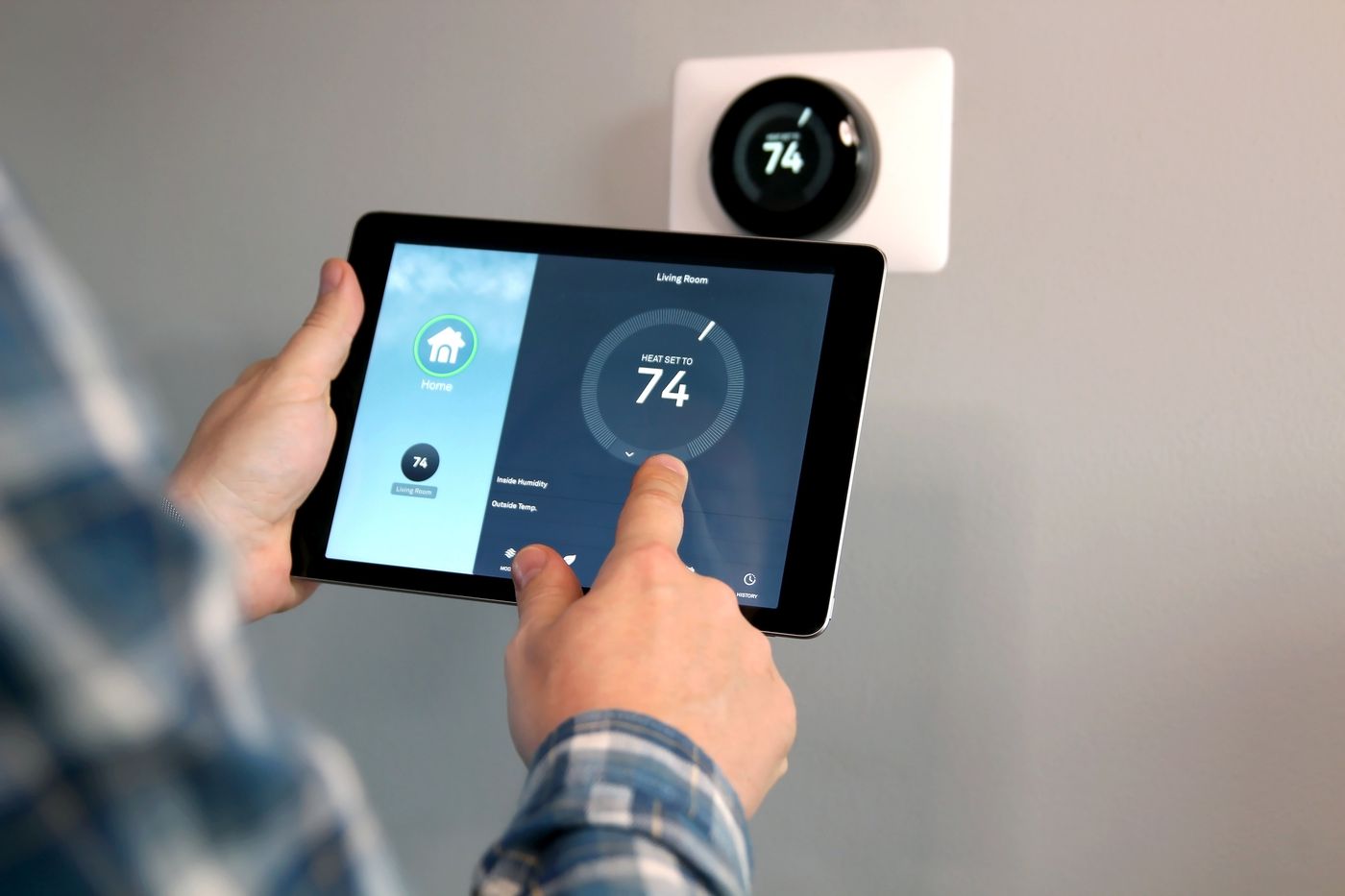
Schedules, occupancy sensors and remote control from your phone can cut how long your heating and air conditioning run when no one needs them.
According to the U.S. Environmental Protection Agency, ENERGY STAR-certified smart thermostats save about 8% on heating and cooling bills, or roughly $50 a year, on average. Note that's 8% of your heating and cooling costs, not your entire utility bill. If you already use a good schedule on your current thermostat, your savings may be smaller.
LEDs save energy; smart bulbs may or may not add more
Swapping an old incandescent bulb for an LED cuts its electricity use significantly. Smart lighting adds savings only when scheduling, dimming or motion sensing means lights run less or at lower brightness.
The U.S. Department of Energy's LED Adoption Report estimates LEDs saved U.S. consumers $14.7 billion in 2018. That's a nationwide number for all kinds of buildings, not what one household or one smart bulb will save.
If you already flip off your LEDs when you leave a room, a smart bulb is more about convenience than savings. Smart lighting also allows you to intelligently adjusts brightness and color temperature to mirror the sun, called circadian lighting, which can improve your quality of life.
Smart plugs and energy monitors: find the waste first
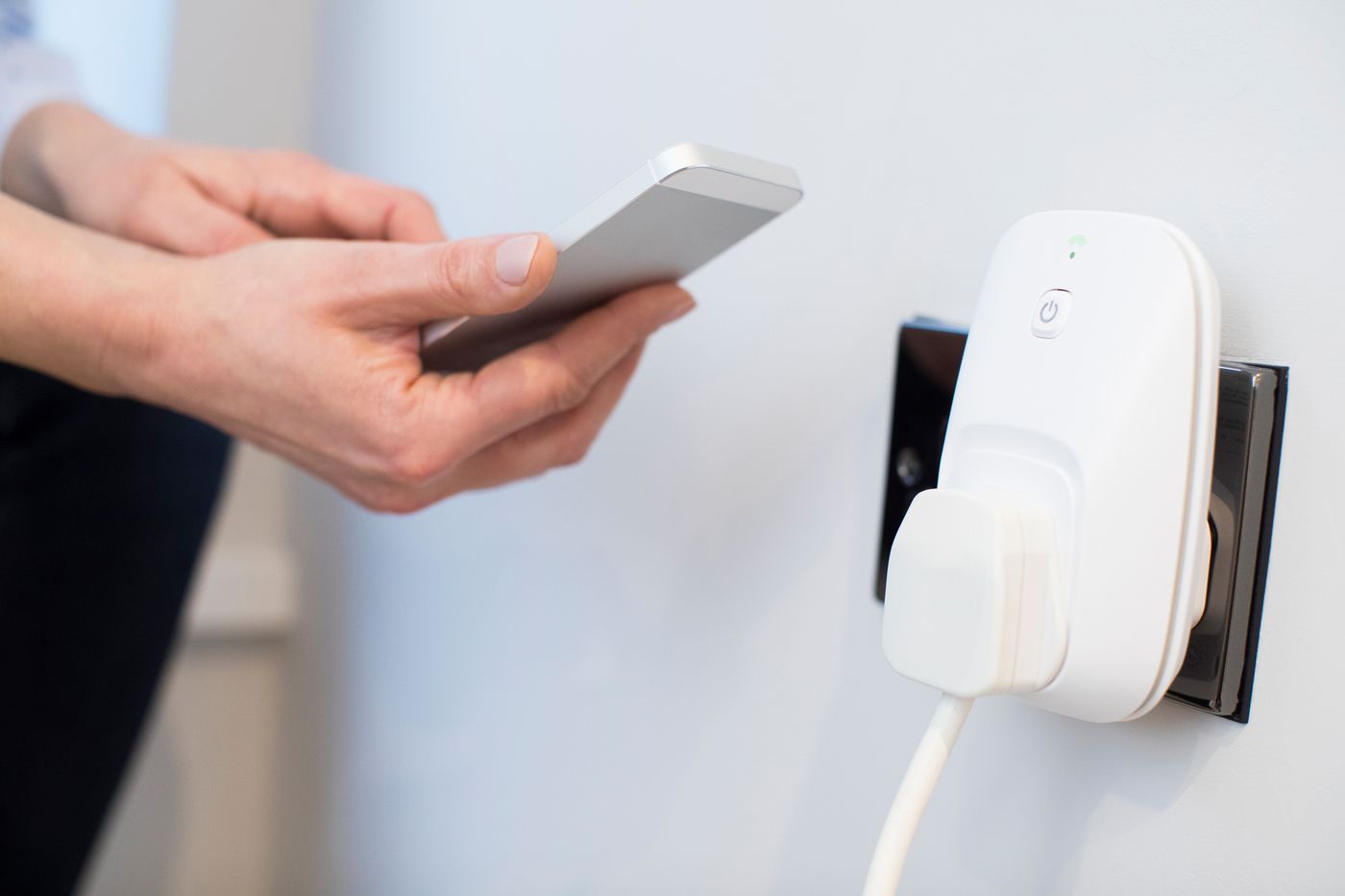
These tools show you where electricity is going, like a game console or TV setup left running. But you only save money once you change something based on what you learn.
If you want to track usage, choose a plug that measures energy, not one that only switches on and off. ENERGY STAR's plug-load criteria spell out the difference.
Check your usage before and after you set a schedule. And be careful what you cut: shutting off your internet router or security system on a timer can knock other devices offline.
Will the savings pay for the device?
A gadget can cut your energy use and still never earn back what you paid for it. Here's how to check.
The simple payback formula
Payback (in years) = what you paid ÷ what you save each year
- What you paid = the device + installation − any rebates
- What you save each year = your lower bill − any subscription fees
Example: Say a smart thermostat costs $150 installed, with no rebate and no subscription. At the EPA's $50-a-year average, it pays for itself in about 3 years. Add a $5 monthly subscription, and that $60 a year wipes out the entire $50 in savings, so it never pays for itself.
That's simple math using a national average, not a promise for your home. For a more realistic number:
- Look at your recent bills and estimate how much goes to heating and cooling. Applying 8% to your whole bill overstates the savings.
- Use your own electricity and gas rates.
- Remember that weather and changes in who's home can shift the numbers.
Many utilities also offer rebates on ENERGY STAR smart thermostats, so check with yours before you buy.
Watch for costs that eat your savings
Before you buy, ask for a written estimate that breaks out the device, wiring, setup and any ongoing support. Then ask:
- Is there a subscription? What stops working if you cancel?
- Do schedules keep running if the internet goes down?
- Will your existing devices still work, or will some need replacing?
- What warranty comes with the device and the installation?
Be wary of bundled "whole-home" packages. ENERGY STAR's smart home energy management guidance describes systems that combine thermostats, lighting and plug controls, so compare the features you actually need before paying for the bundle. And treat big national savings numbers as background, not a forecast for your house. A trustworthy proposal explains what will change and separates estimated savings from anything guaranteed in writing.
Don't forget privacy
Smart devices can collect data about when you're home and how you use energy. Before you connect everything:
- Check what data each device collects, and which apps and accounts can see it.
- Find out which features rely on the cloud or an internet connection. Local control can keep some features working offline, but it doesn't necessarily stop data collection.
- Review privacy settings carefully if you link devices to your security system or smart locks.
Check compatibility before you buy
Start with the problem, not the product. Is your HVAC running when no one's home? Are lights left on all night? Is a TV setup drawing power around the clock? A small, targeted purchase may solve it without a hub or replacing equipment that already works.
Will a smart thermostat work with your system?
Wi-Fi alone doesn't mean a thermostat will work with your heating and cooling. Before you buy:
- Use the manufacturer's compatibility checker with your HVAC model and wiring details.
- Check for a C-wire. Many smart thermostats need this "common wire" for steady power, according to the EPA's technical bulletin.
- Have variable-speed equipment? The EPA recommends sticking with your equipment manufacturer's own thermostat. Swapping out a specialized controller can disable features your system needs.
- Electric baseboard heat? Standard low-voltage smart thermostats won't work with high-voltage (line-voltage) baseboard systems. You'll need a model built for them.
Make sure everything talks to each other
Apple HomeKit, Amazon Alexa, Google Home and Home Assistant each support different devices, and some setups need a separate hub. The Matter standard is designed to help devices from different brands work together, but confirm that your specific device, controller and the features you want all support it.
Voice control is convenient, but convenience isn't savings. Track your energy use to see whether automation actually helps.
When to call a pro
New wiring or electrical work calls for a licensed professional, and thermostat setups that require configuring your HVAC system call for a qualified HVAC technician. A good installation should include programming the thermostat and showing you how everything works.
Need help installing a smart thermostat? Check out TrustDALE Certified HVAC companies in Atlanta. Our Certified Partners pass a rigorous seven-point inspection and are backed by our $10,000 Make It Right Guarantee.
How to tell if it's actually working
The only way to know whether a smart device is saving you money is to measure.
Before you install
- Save your recent utility bills.
- Write down your usage in kilowatt-hours (kWh) for electricity, plus the usage units on your gas or heating-fuel bill.
After you install
- Compare usage, not just dollars, for similar time periods. Rate changes, billing-cycle length and fixed fees can make dollar totals misleading.
- Account for weather, holiday guests and time away from home.
- Change one setting at a time, so you know which change made the difference.
- For smart plugs, compare usage over typical periods with and without the schedule.
Not seeing savings?
Before buying more gadgets, check your schedules and overrides. Are family members constantly canceling the thermostat's settings because the temperature isn't comfortable? Is a lighting scene turning on lights you used to leave off? Adjusting the settings often fixes the problem for free.
Frequently asked questions
How much money does a smart thermostat save?
According to the EPA, ENERGY STAR-certified smart thermostats save about 8% on heating and cooling bills, or roughly $50 a year, on average. You may save less if you already use a consistent schedule.
Do smart devices save energy when I'm away?
They can, but only if your away settings actually change how your equipment runs. If several people live in your home, make sure location-based settings don't assume the house is empty just because one phone left. Keep temperatures safe for pets and high enough to prevent frozen pipes.
Will a smart thermostat work with any HVAC system?
No. It depends on your wiring and equipment. Many models need a C-wire, variable-speed systems often need the manufacturer's own thermostat and electric baseboard heat needs a line-voltage model. Use the manufacturer's compatibility checker before you buy.
Can smart home devices increase my energy bill?
Yes. Every connected device uses a little electricity, and automation can backfire if it runs lights or equipment more than before. Judge by your overall energy use, not by how many devices you've automated.
Are smart plugs worth it?
They can be, if something is running when it doesn't need to be and the savings will cover the plug's cost. Tiny standby loads offer less savings than equipment left on for hours. Always stay within the plug's electrical rating, and don't use them with appliances whose instructions say not to.
Can renters use smart home energy devices?
Yes. Smart bulbs and plug-in controls usually don't require any changes to the home. Your lease may limit changes to thermostats or wiring, so check with your landlord first, and keep the original bulbs and thermostat so you can put everything back when you move out.
The bottom line: buy to solve a problem, not for the gadget
Smart home technology can lower your energy bills, but only when it cuts energy you'd otherwise waste. The best purchase targets a known problem at a price the savings can actually cover.
Start with one need, check compatibility and installation costs, and write down your usage before you change anything. Then let the numbers tell you whether to add more. Convenience is a perfectly good reason to buy a smart device, too; just don't confuse it with savings.
Ready to upgrade your home with smart technology? Find a TrustDALE Certified installer at TrustDALE.com.